

Fossify File Manager
UtilitiesStable
Local file browsing and storage tools.
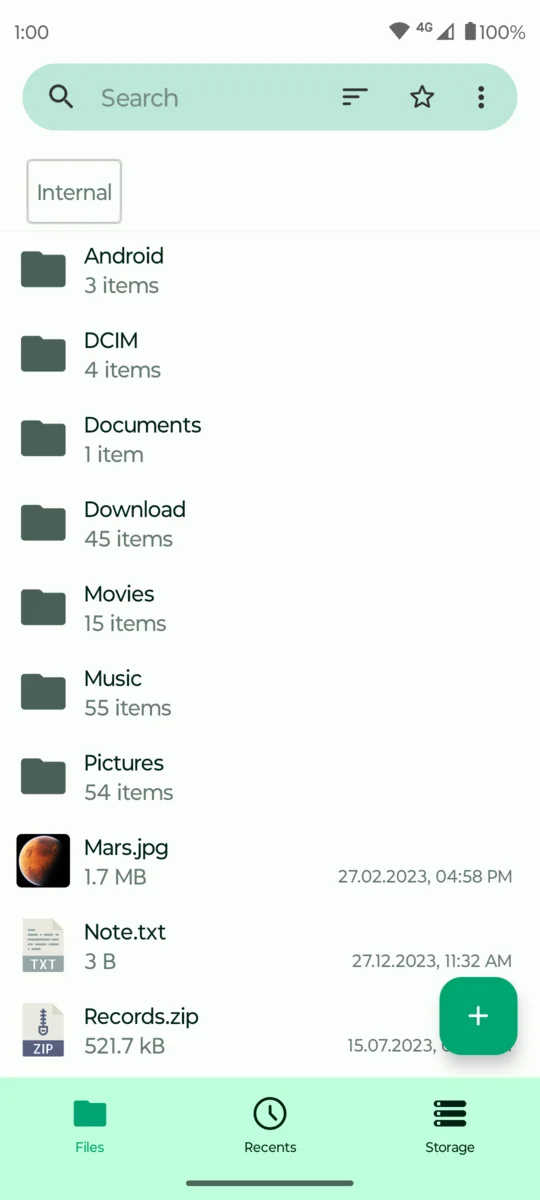
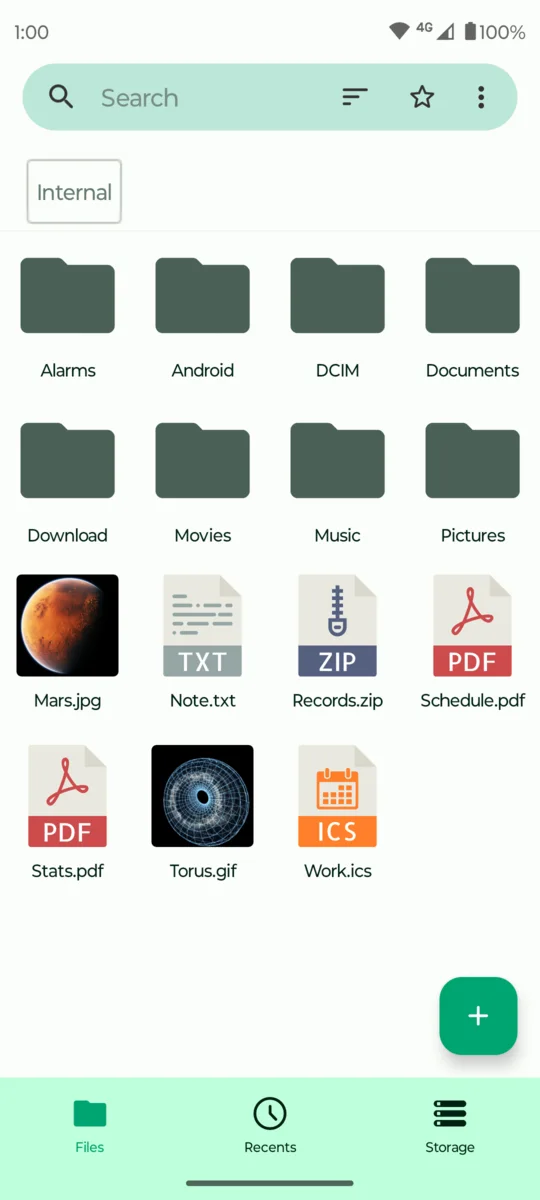
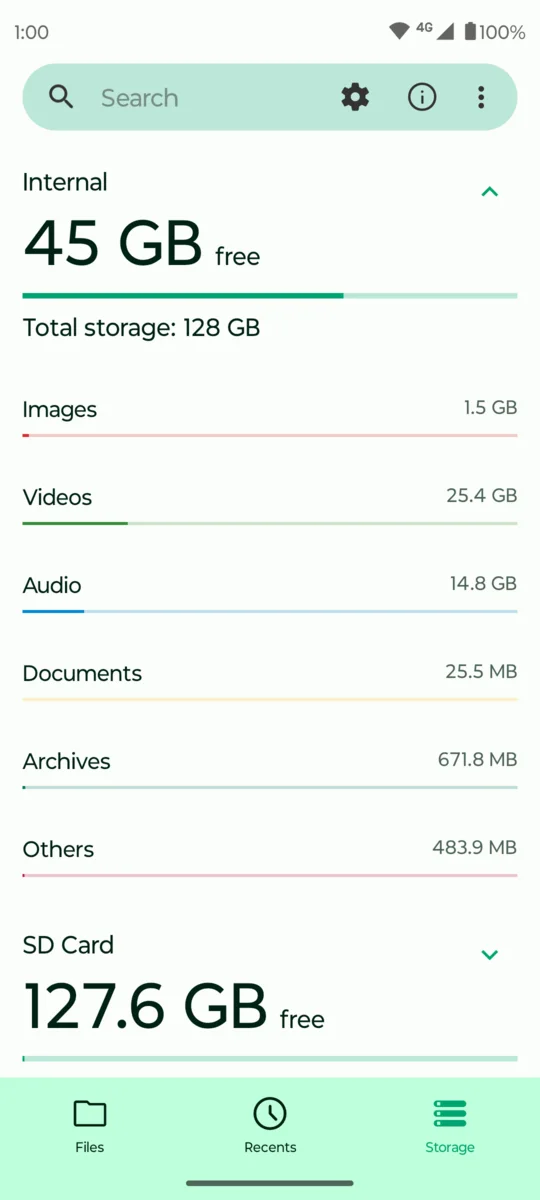
Browse favorites, search and sort folders, compress or extract archives, move files, inspect details, and work directly with device storage.
Latest GitHub releasev1.6.2Released Oct 10, 2026Package nameorg.fossify.filemanagerAndroid app identity. Release statusStablePublished for general use.
Features
Files, folders, and archives
Browse folders, manage archives, organize storage, and move files on the device.
- Folder browsing with favorites and configurable home paths
- Copy, move, rename, share, compress, and extract files
- Search, sorting, hidden files, and storage details
- Password, pattern, or fingerprint protection
- Local storage without a sign-in step
Data and permissions
What the app accesses
This app does not request Android's Internet permission. Files leave the device only when you share them or open them with another app or storage provider.
Data used on the device
- Files, folders, archives, file names, paths, sizes, and timestamps
- Files you choose to open, move, copy, rename, compress, extract, or delete
Android access
- Broad file access when needed to manage device storage
- Package-install access when you explicitly open an APK for installation
- Notifications for file operations that continue in the background
- Fingerprint access when biometric protection is selected
Screenshots
File Manager in use
Help
Report a problem with File Manager
Include the app version, Android version, device model, install source, and steps that reproduce the problem.